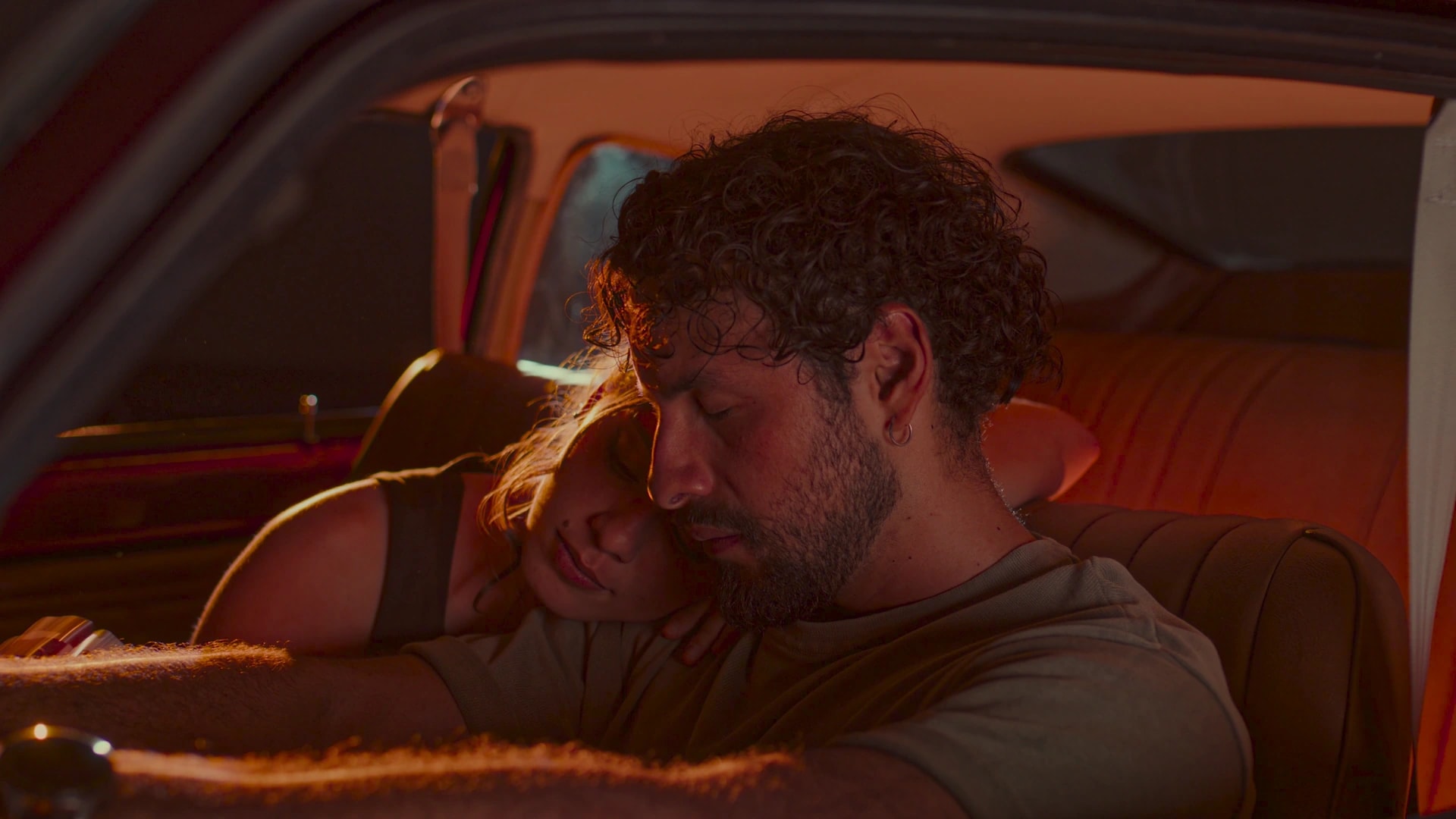
Color grading software for the whole edit.
Match a still you love, then carry the look across your edit, in your browser. Free, with no watermark.
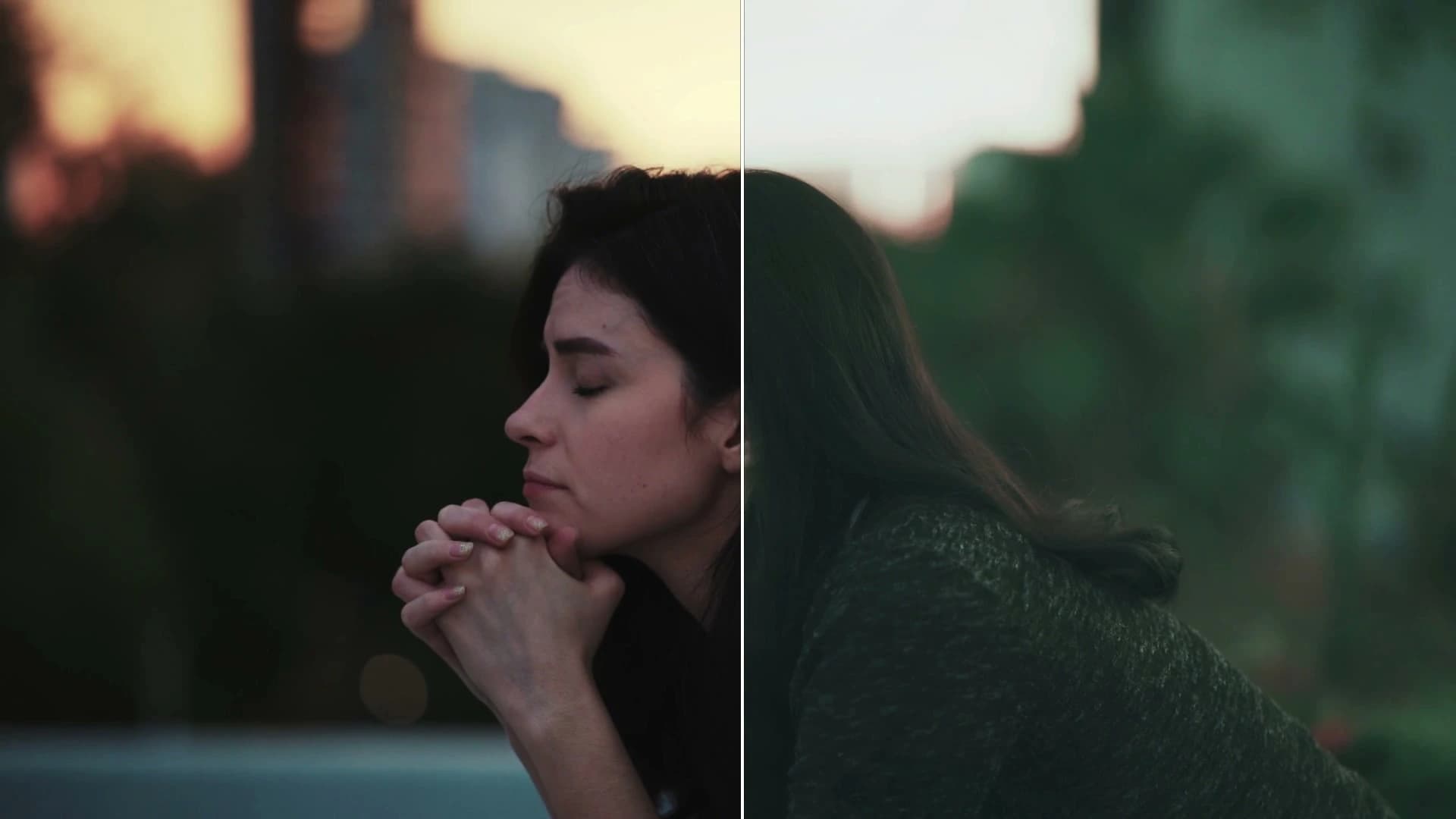
Smart Grade
It reads the shot and suggests eight grades. Pick one.
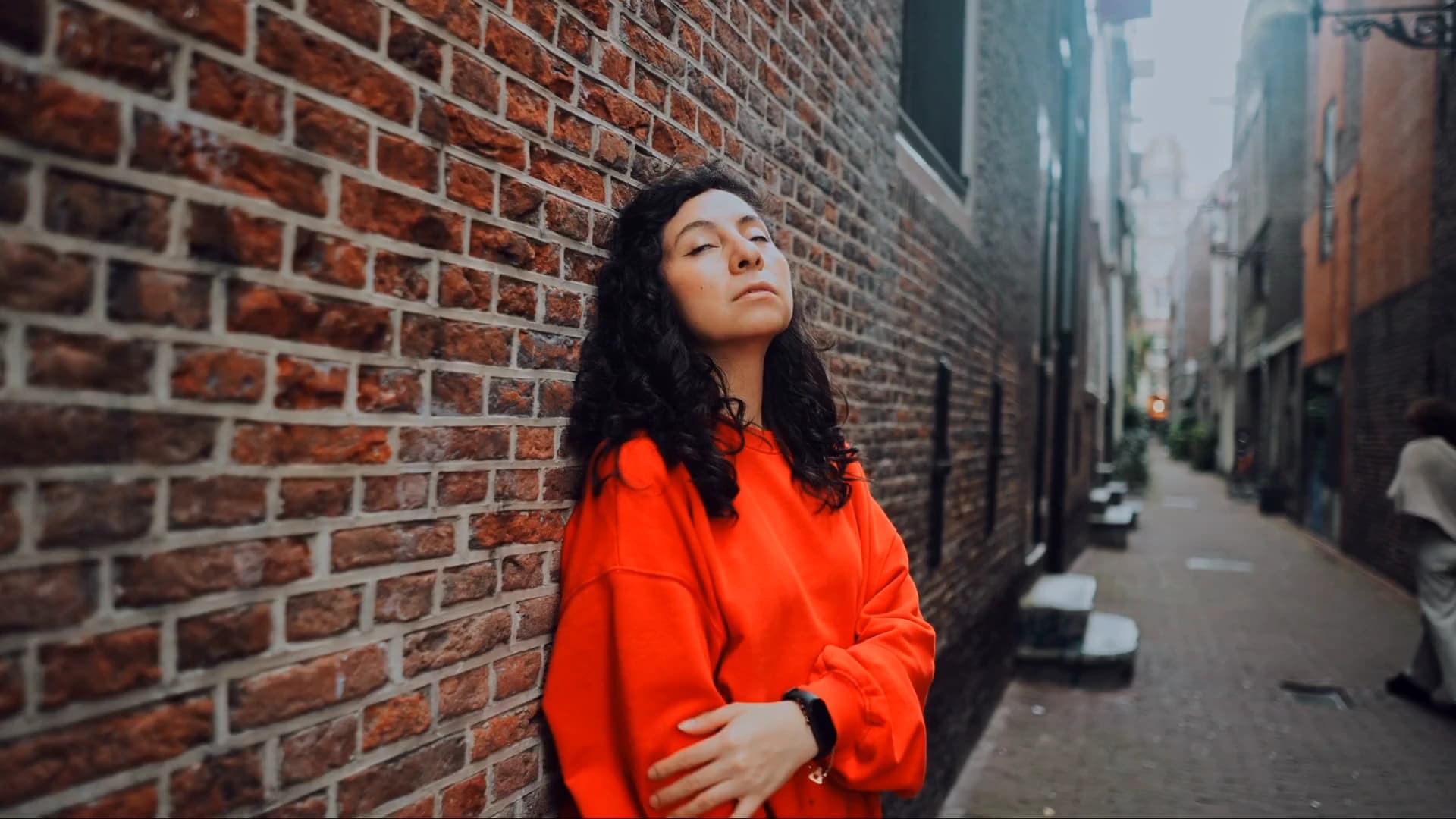
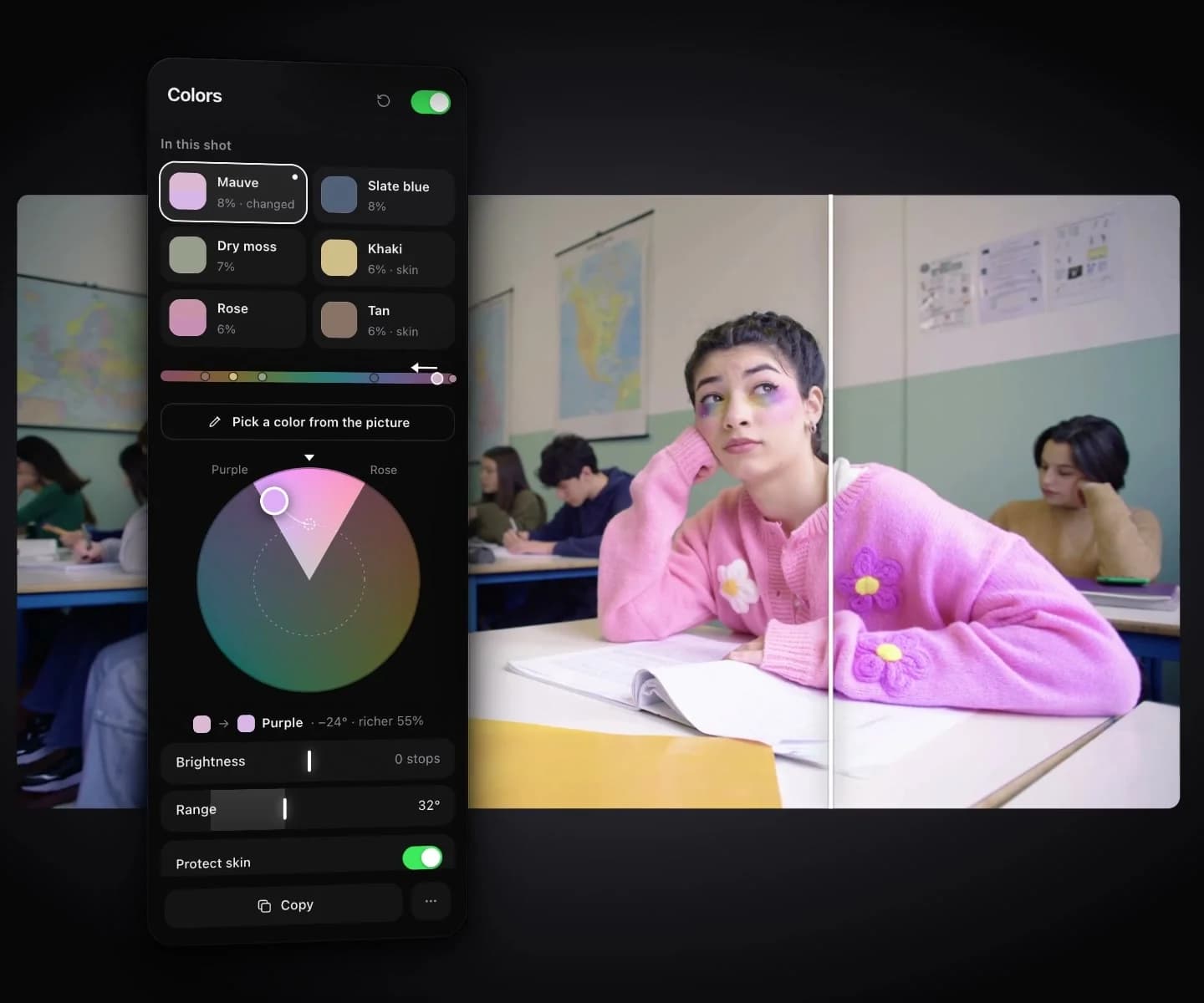
Colors
Move any color in the shot. Skin stays protected.
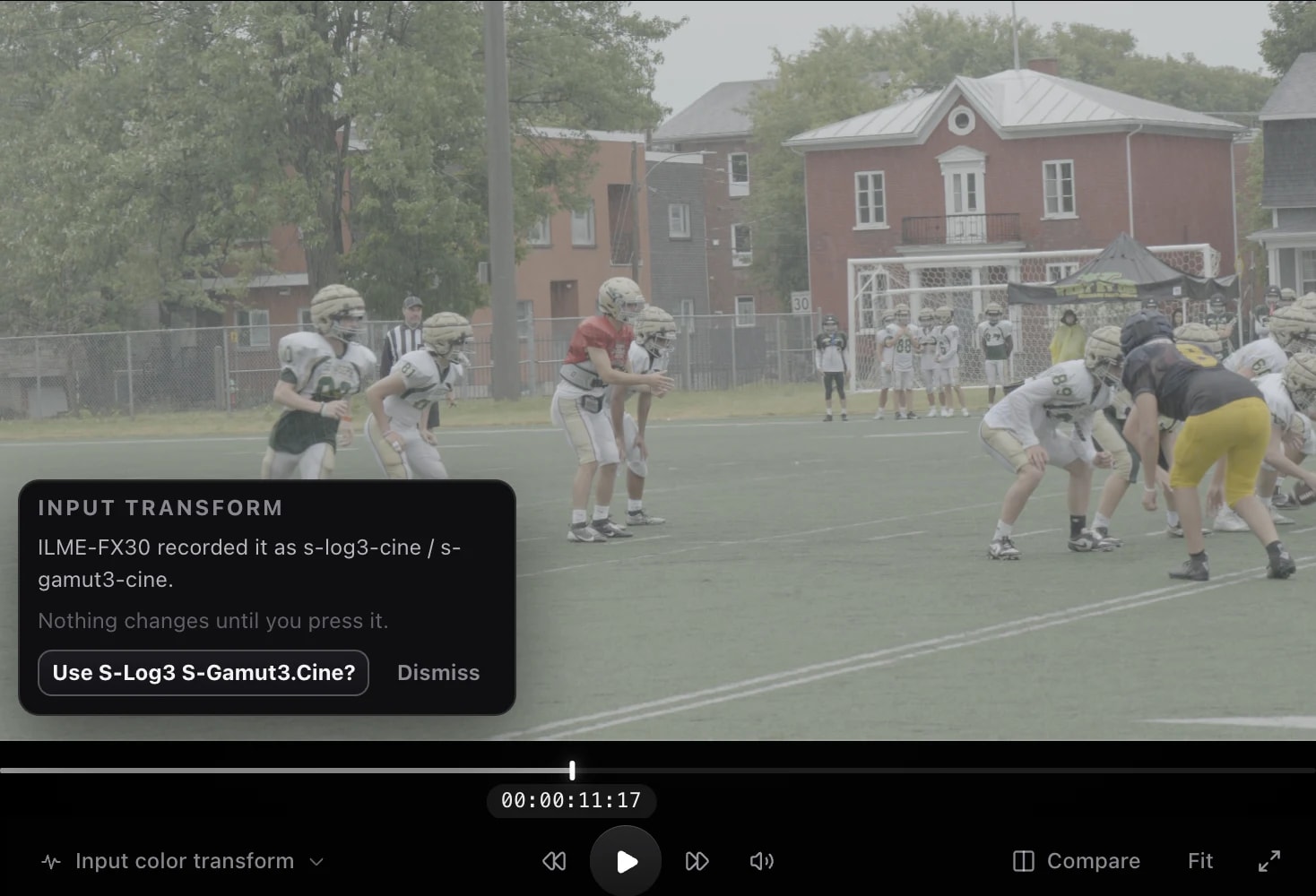
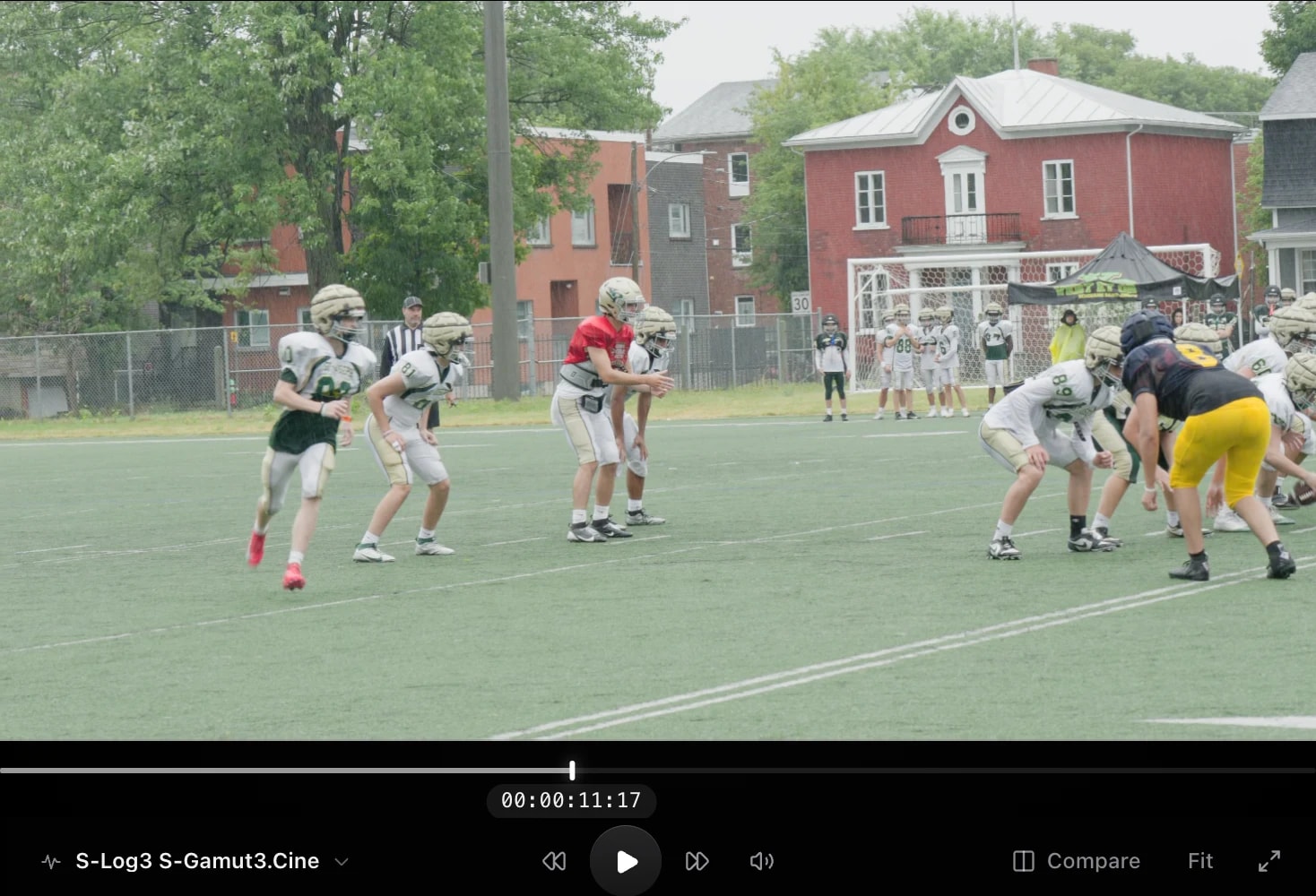
Camera log
Log from 16 camera makers, converted through ACES. Apple Log 2 included.
How it compares
Leumos is color grading software that runs in your desktop browser, with nothing to install.
- DaVinci ResolveNodes and RAW, installed. Leumos carries one still's look across a whole edit, in the browser.
- Premiere Pro (Lumetri)Grades where you cut. Leumos matches the whole cut to one look, then exports it for your edit.
- Online editorsThe whole video, phones included. Leumos does the color: match a still, convert camera log.
Read the full comparison
DaVinci Resolve
Where Resolve wins
A node graph, RAW decoding, ACES color management, and editing, effects and audio in one application. For a DCP, use Resolve Studio, the paid version. It computes on your own machine, so it leans on a capable graphics card.
Where Leumos fits
A narrower job from a browser: bring a whole edit to one look and export it. On Lite and Studio, take a .cube per shot into Resolve and finish there. Read more: Leumos or DaVinci Resolve.
Premiere Pro (Lumetri)
Where Lumetri wins
It sits where you cut: color correction, curves, secondaries and its own shot-matching tool are one panel away from the timeline.
Where Leumos fits
A separate step: bring the cut in as XML, then take graded video, or a .cube per shot on Lite and Studio, back to your edit. Read more: Leumos or Premiere's Lumetri.
Online editors
Where they win
Cutting, captions, music and templates, and CapCut also runs on phones. If you need the whole video made in one place, use one of them.
Where Leumos fits
Color only, on a desktop browser, starting from log footage or a finished cut. Looking for free tools? Free color grading software, compared.
Leumos fits when a whole edit should match one look, with nothing to install.
Resolve's base version is free, per Blackmagic Design's product page as of October 15, 2026. Check each tool's site before you choose.
Free plan: 1080p export, no watermark. Lite is $19 and Studio $39 a month.
Questions
Is it free, and is there a watermark?
There is a Free plan, and you can start without a credit card. It includes 1080p 8-bit export, 10 reference matches a month and 1 GB of cloud storage across the account. No plan adds a watermark, Free included.
Lite ($19 a month) adds 4K 10-bit export, 50 reference matches a month, 4 GB of cloud storage and a .cube LUT per shot. Studio ($39 a month) adds a ProRes 422 HQ master, 150 reference matches a month and 20 GB of cloud storage. Billed monthly; cloud storage is one pool per account. See pricing.
Can I try it without an account?
Yes. Start grading free opens the studio as a guest, where you can import footage and try the looks and hands-on tools. Saving, reference matching, Match shots, export, LUT download, Refine, Detect cuts, cloud footage and MXF files need a free account. After about ten minutes the grading tools pause until you sign in, and your work stays in this browser.
What does my computer need?
A Mac or Windows computer with desktop Chrome, Edge or Safari 17; the browser needs WebGL2. There is nothing to install. It does not run on phones or tablets.
Your computer's graphics draw the preview and the hands-on tools in the tab. Cut detection, reference matching and the export render run on our servers and don't use them. Export uploads your original footage, so on big files the upload time is the trade-off.
Which cameras and files work?
Log profiles cover 16 camera makers, including Sony, Canon, ARRI, RED, Panasonic, Fujifilm, Nikon, DJI, Apple, Blackmagic and GoPro, with Apple Log 2 included. When the file names its log curve, Leumos suggests the profile, then converts the footage through ACES.
In: common video files such as MP4, MOV, M4V and WEBM, plus MXF with a free account. Edits come in as Final Cut Pro 7 XML exported from Premiere or Resolve.
Out: H.264 (.mp4) on every plan, a ProRes 422 HQ master (.mov) on Studio, and a .cube LUT per shot on Lite and Studio.
Where does Leumos stop?
- Desktop browsers only. Not phones or tablets.
- Camera RAW (BRAW, R3D, ARRIRAW) does not open. Bring a log or proxy file.
- No DJI D-Log M profile. DJI D-Log is supported.
- No DCP delivery for cinemas.
- Edits come in as Final Cut Pro 7 XML. Not FCPXML, EDL or AAF.
- Every plan has a monthly cap on reference matches.
- It does not replace your video editor. Use an editor for picture edits, audio, titles and captions.
Can I finish in Resolve or Premiere?
Yes. Export graded video and place it in your edit, or on Lite and Studio download a .cube LUT for each shot and apply it there. A LUT carries the color, not grain, glow or the protection of people and faces.
Test it on your own clip.
Start grading free