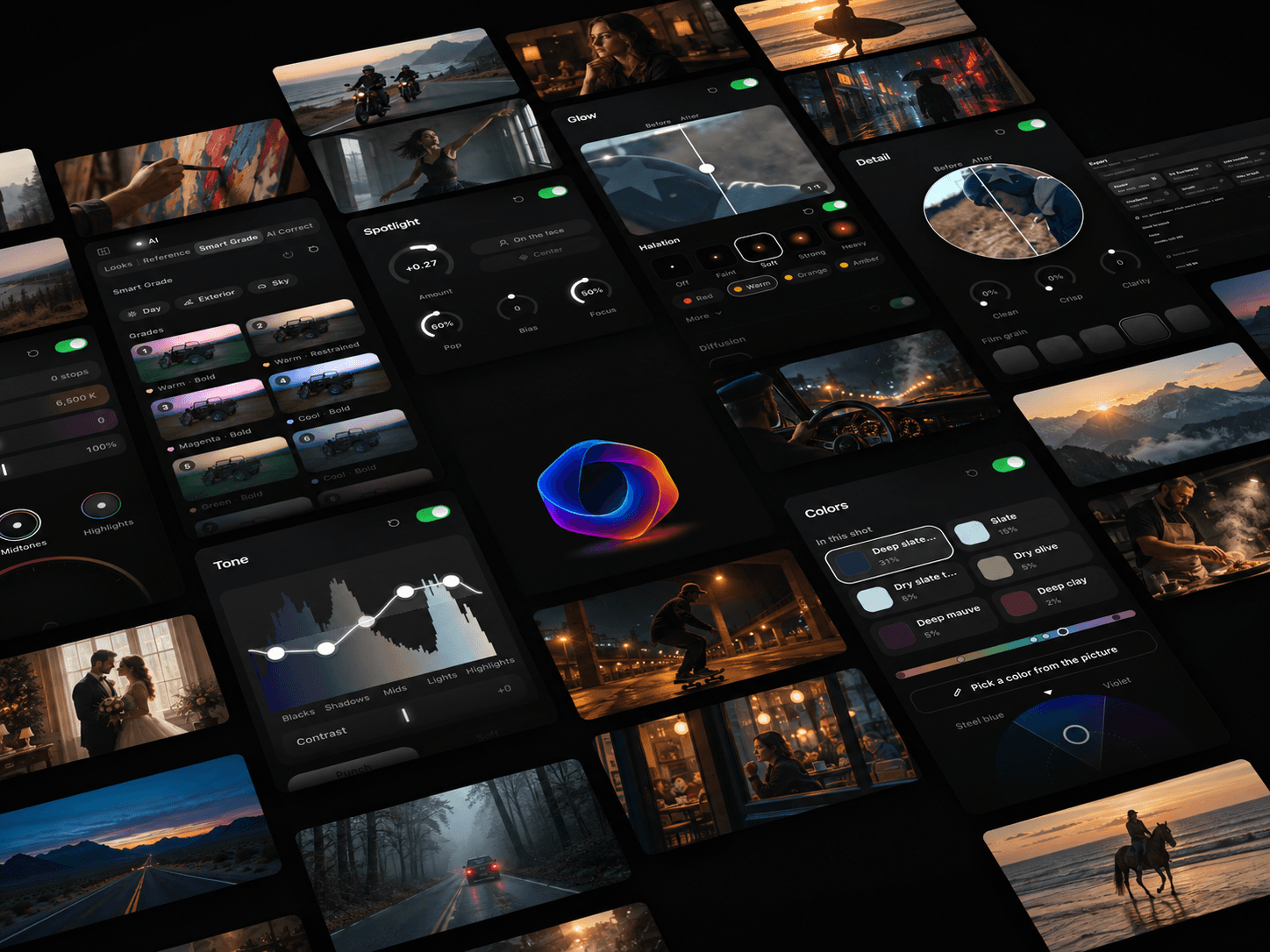
Color grading online. In your browser.
Grade your own video, with nothing to install.
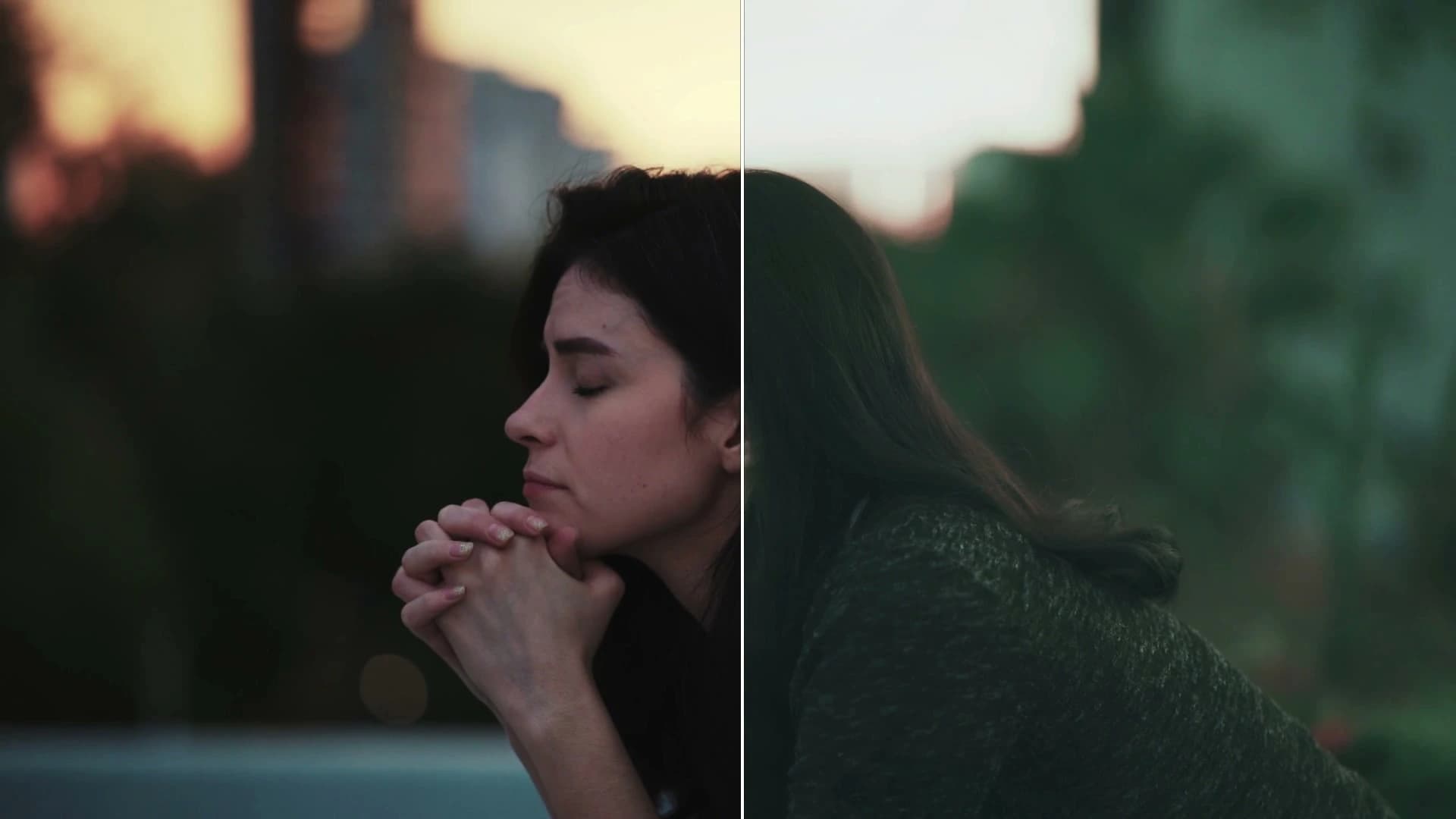
Before and after
Same shot. Graded in Leumos.


AI color match
Pick a reference. Leumos matches it.
Choose a still whose look you love. Leumos matches your shot to it. Free account, 10 reference matches a month.
Smart Grade
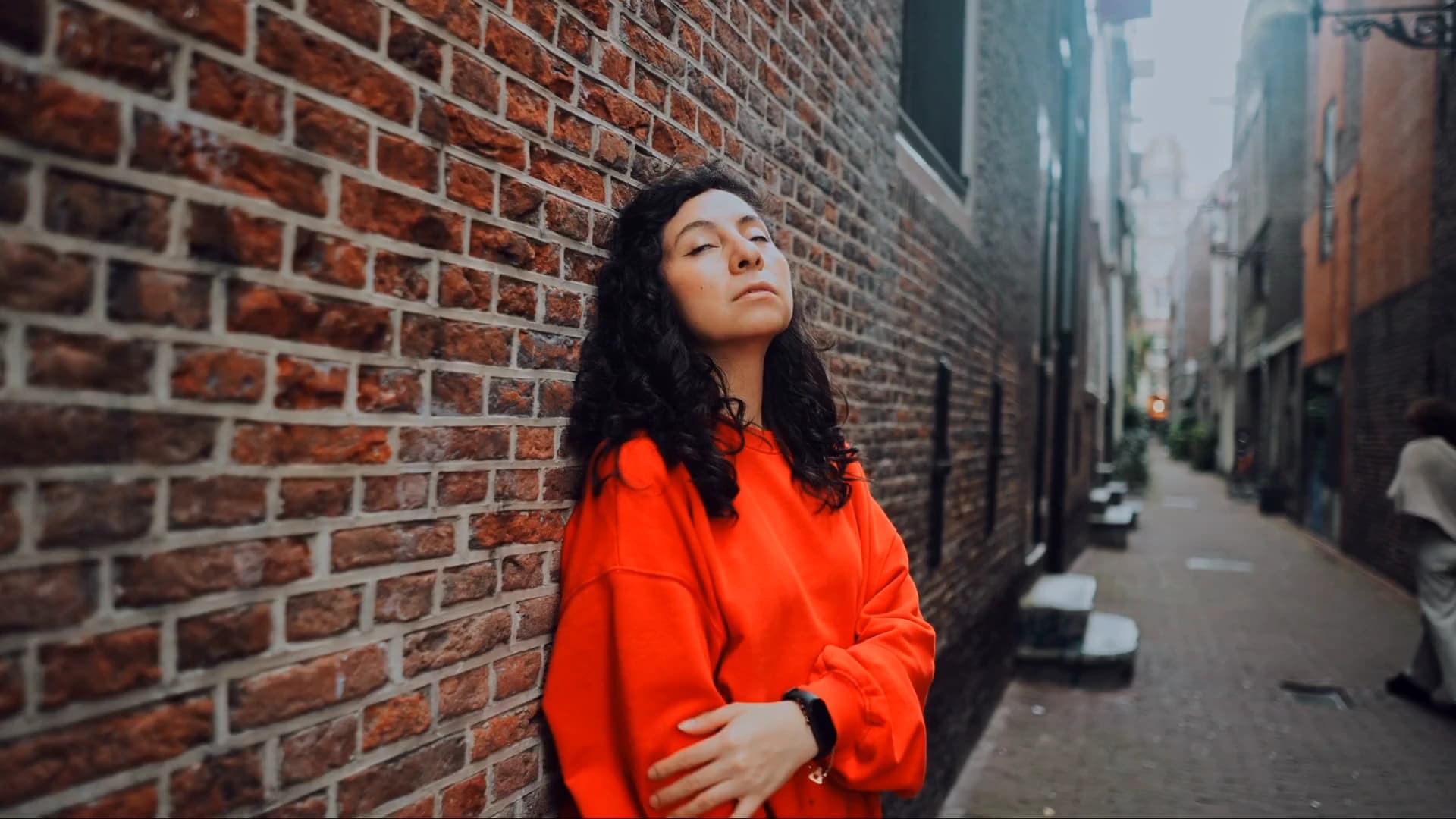
No reference? Leumos suggests looks.
It reads the shot and offers looks that suit it. Pick one, set the strength.
Hands-on tools
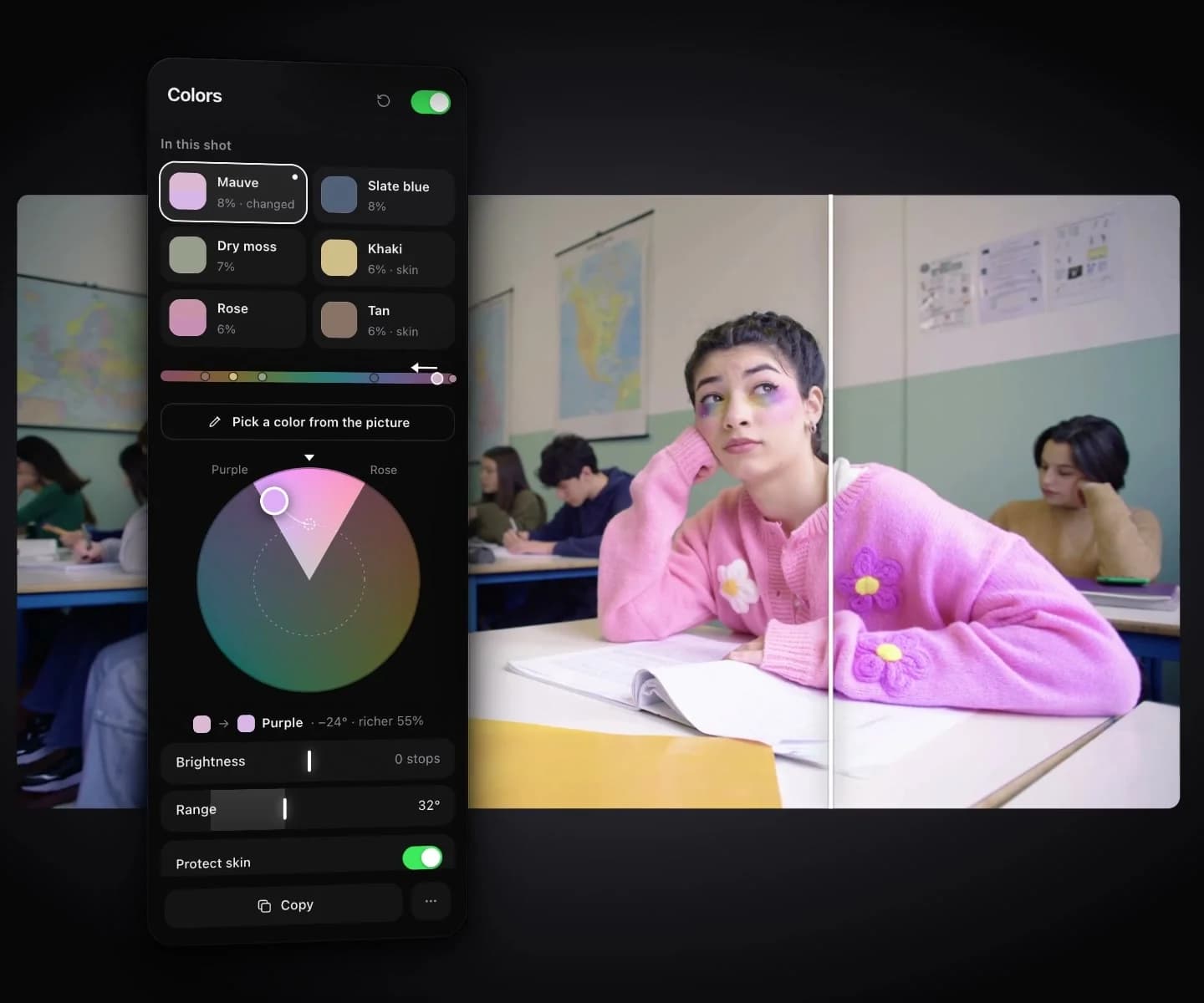
Pick any color. Move it.
Shift one color in the shot. Skin stays natural.
In short
What is color grading online?
Color grading online means grading a video's color and light in a web browser instead of installed software. Leumos runs in desktop Chrome, Edge or Safari 17: try looks and the hands-on tools without an account, then sign up free to match shots and export 1080p video with no watermark.
- No account to start
- Nothing to install
- No watermark on any plan
- Desktop browser, not phones
Questions
Color grading online, answered.
Do I need an account to color grade online?
No, not to start. Open the studio, bring in a clip from your computer, and try looks and the hands-on tools without signing in. Saving to your account, Reference Match, Match shots, export, LUT download, Refine it on a Look, Detect cuts, cloud footage and MXF import need a free account.
Is it free, with no watermark?
Yes. The Free plan costs $0 and gives you 1080p 8-bit export, no watermark, 10 reference matches a month and 1 GB cloud storage across the account. No plan adds a watermark.
Can I use it on a phone or tablet?
No. Grading needs a desktop or laptop browser with WebGL2, such as Chrome, Edge or Safari 17. On a phone you can sign up and email yourself a link to open on your computer.
Which files can I import?
Common video files such as MP4, MOV, M4V and WebM, plus MXF with a free account. You can also import a Final Cut Pro 7 XML edit from Premiere or Resolve. Camera RAW such as BRAW, R3D or ARRIRAW does not open; bring a log or proxy file instead.
What happens to my footage?
For files your browser can play, the picture you grade is drawn in your browser from the file on your computer. MXF files upload in full when you import them, and their preview is made on our servers. Before you sign in, none of the following happens: your work stays in your browser. With an account, importing a clip sends a small, low-resolution copy to our servers to find the shot changes. Reference matching sends your reference image and frames from the shot, or the shot's source file for a very short shot or a file your browser can't read. Export uploads the original footage to render the video. With an account, the studio also backs up imported footage to your account's cloud storage unless you turn off Keep footage in the cloud. Cloud copies are kept for 30 days after you last open a project. Your local originals, projects and grades are never touched. Your footage is never used to train AI models.
Can I grade every shot of an edit online with Leumos?
Yes. Import your footage or a supported Final Cut Pro 7 XML edit from Premiere or Resolve with its source media. Grade a shot and use Match shots to match the rest of the sequence. Review and refine the shots on the timeline, then export finished graded video.
Do I need a reference image to grade footage?
No. A reference is useful when you have a look in mind for a selected shot. You can also make your own creative adjustments with the hands-on tools or try Smart Grade on a shot, then review the result in motion.
Can I work with log footage in the browser?
Leumos offers input transforms for supported log encodings, including Sony S-Log3, ARRI LogC3 and Panasonic V-Log. Choose the transform that matches the source before judging the grade. An input transform is not RAW decoding or HDR delivery.
Does Leumos replace my video editor?
Leumos covers the color-grading path through rendered video export. Use an editor or a specialist suite when the job calls for picture edits, audio mixing, titles, RAW debayering, native grade-data interchange, or specialist HDR and DCP delivery.
How do other free online tools compare?
What each tool's own page says its free version exports: Leumos first, the rest in no particular order. "Not stated" means that page did not say.
Leumos (Free)
- Access
- Try without an account; a free account to export
- Watermark
- None
- Resolution
- 1080p
- Worth knowing
- Export renders on our servers, so the footage is uploaded. No preview on this page; you open the studio.
Luttie (free)
- Access
- No account to grade; saving needs an account
- Watermark
- Yes, on the preview
- Resolution
- Not stated
- Worth knowing
- Free video export is a 6-second watermarked preview. Pro exports the full clip without a watermark and exports grades as .cube and .3dl LUTs. Its free LUT presets need no account.
CapCut (online)
- Access
- Free; the page asks you to sign up
- Watermark
- None on a plain export (templates or stock can add one)
- Resolution
- Not stated
- Worth knowing
- Curves and color wheels inside an online editor.
Kapwing (Free plan)
- Access
- Free plan
- Watermark
- Yes
- Resolution
- 720p
- Worth knowing
- Free exports run up to 4 minutes each, 30 minutes a month. Paid plans remove the watermark and export 4K.
Valmera (free preview)
- Access
- No account; the preview runs on the page
- Watermark
- None on the preview
- Resolution
- Up to 1920 px on the long edge
- Worth knowing
- The preview exports up to 2 minutes and uploads nothing. Full grading needs a subscription. Valmera's home page shows its free-tier renders with a watermark and an end card.
Flixier (Free plan)
- Access
- No account to start; exporting needs a free account
- Watermark
- Yes
- Resolution
- 720p
- Worth knowing
- A cloud video editor. Free exports total 10 minutes a month.
Checked October 16, 2026 on each tool's own website. Plans change, so check the tool's site before you choose.
Grade your first shot.Free to start.
AI video color grading, start to finish, in your browser.
Start grading free