Most color grading examples online are a slider you drag across two JPEGs: you see that something changed and learn nothing about what or why. This page does it the other way round — one real before-and-after with the numbers, then ten styles described precisely enough to identify in the wild and rebuild yourself.
If you are starting with the basic question, what color grading means for video explains the difference between a source frame, a chosen look and a finished video. This page goes deeper into the pictures and measurements.
The first example uses our own footage and output; Leumos is our product, and that disclosure sits on it. We do not reproduce frames from copyrighted films.
A measured before and after
The source frame.
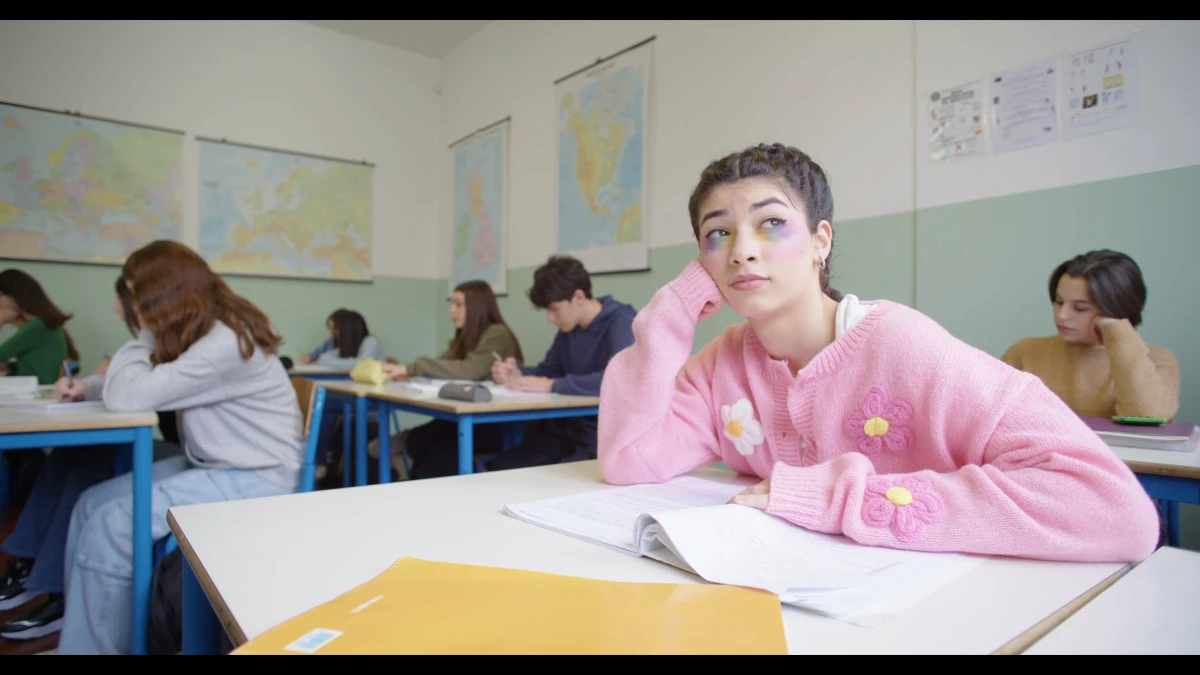
Bright and close to neutral. In the measured center crop, median RGB is 176/170/162 out of 255, the 99th percentiles are 244/243/249, and mean HSV saturation is 0.169. The frame has no dramatic color treatment visible here; its earlier processing history is unknown.
The reference.
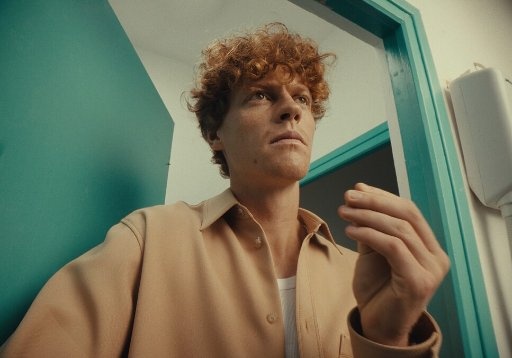
A different picture entirely, and that matters. In its center crop, median RGB is 121/124/98, mean HSV saturation is 0.410, and the 99th percentiles are 206/207/175. Warm skin, a cooler wall, a yellow-green midtone cast and a darker overall level provide a direction for the match.
The result.
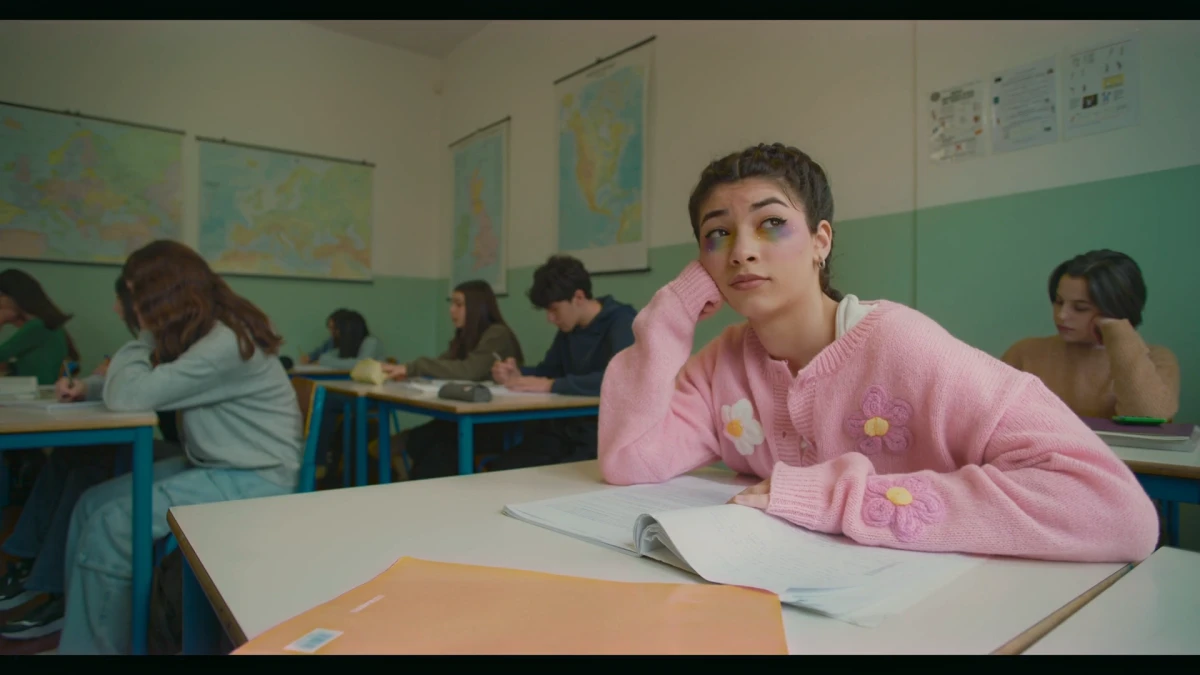
Leumos's own demo footage graded by Leumos toward that reference. Five things moved, and each is the kind of change you should be able to name in any before-and-after:
Exposure and level. The crop's median RGB changes from 176/170/162 to 113/111/90. The classroom reads darker. This is a level change as well as a change in color relationships.
White balance and cast. The 99th-percentile RGB changes from 244/243/249 to 206/192/188. Wall and desks read warmer, closer to the reference's highlight character.
Contrast and rolloff. Highlights no longer reach the top of the scale: the picture has a shoulder where it had a wall.
Saturation. Mean HSV saturation rises from 0.169 to 0.263, moving toward the reference's 0.410 without arriving there. The foreground folder shifts from yellow toward orange; the pink cardigan stays pink but sits lower and warmer.
Skin. The subject's face looks darker and warmer in the output. This still frame does not establish that skin remains consistent as the subject moves or under a different light. Inspect the Skin tone selection in motion and refine it before delivering a grade.
One flaw, stated. In the output crop, the independently measured 1st-percentile RGB values are 1/24/18. Red's lower tail sits well below green and blue, consistent with the cyan-leaning crush visible in the shadows. Before delivery, lift and review the black point, check the scopes, and refine the creative grade in Leumos. This published frame shows the reference-match result before those finishing decisions.
How these figures were checked. We decoded the full-size source, reference, and full-size Leumos output to 8-bit RGB. The source/output images displayed above are smaller WebP previews; the measurements use the linked originals before resizing. We removed floor(0.1 × width) pixels from both horizontal edges and floor(0.1 × height) from both vertical edges. We calculated the 1st, 50th and 99th percentiles independently for each RGB channel using the nearest observed value. Mean HSV saturation is the average of (max(R,G,B) − min(R,G,B)) / max(R,G,B) over the crop, with black pixels assigned zero. The originals have different dimensions and compression; these statistics describe the published files, not camera originals or performance across moving footage. The measurements were reproduced on 26 September 2026 from the linked files. Leumos, founded by Pravit Gandhi, made the output and publishes this analysis; it is not an independent product benchmark.
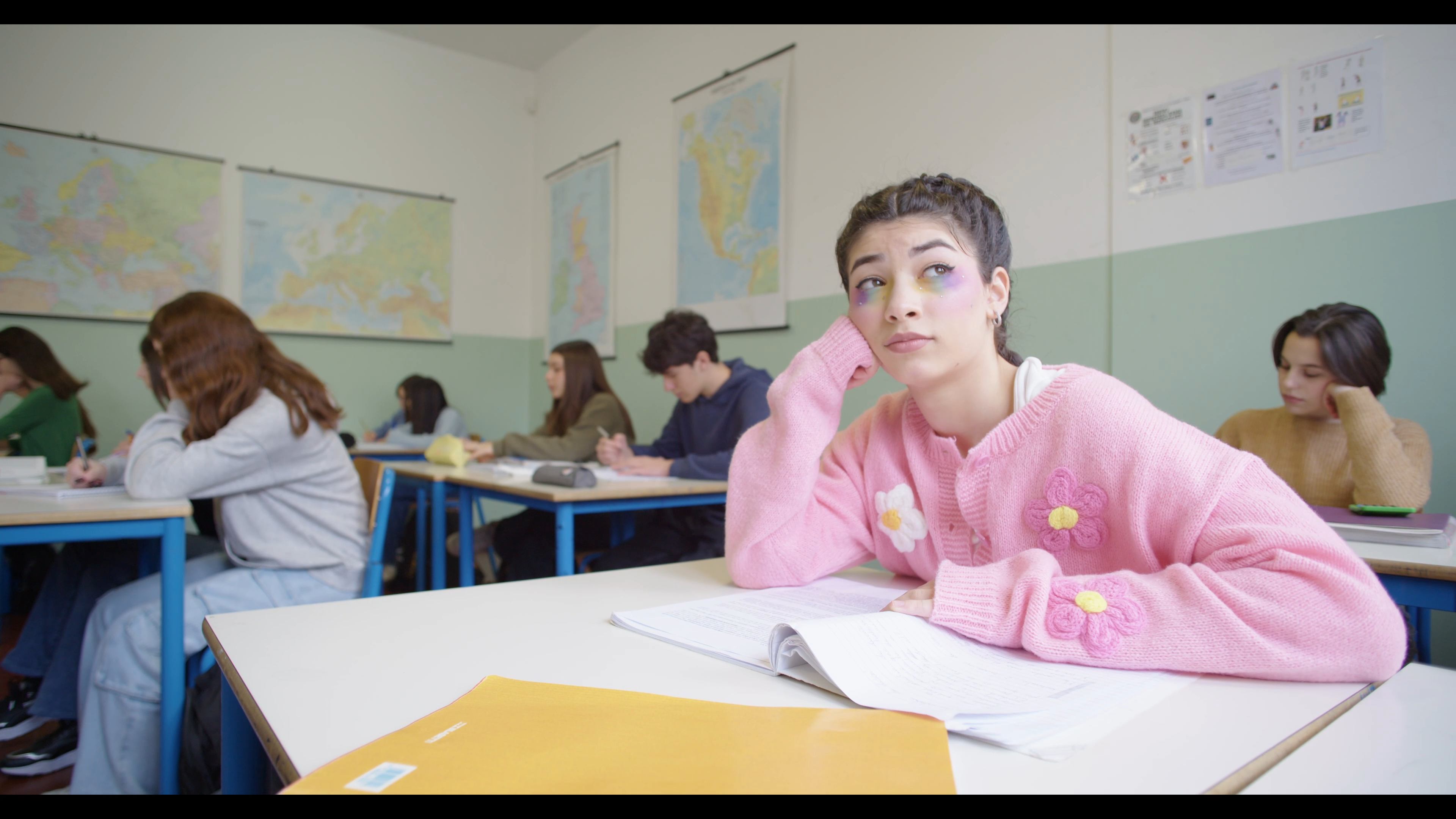
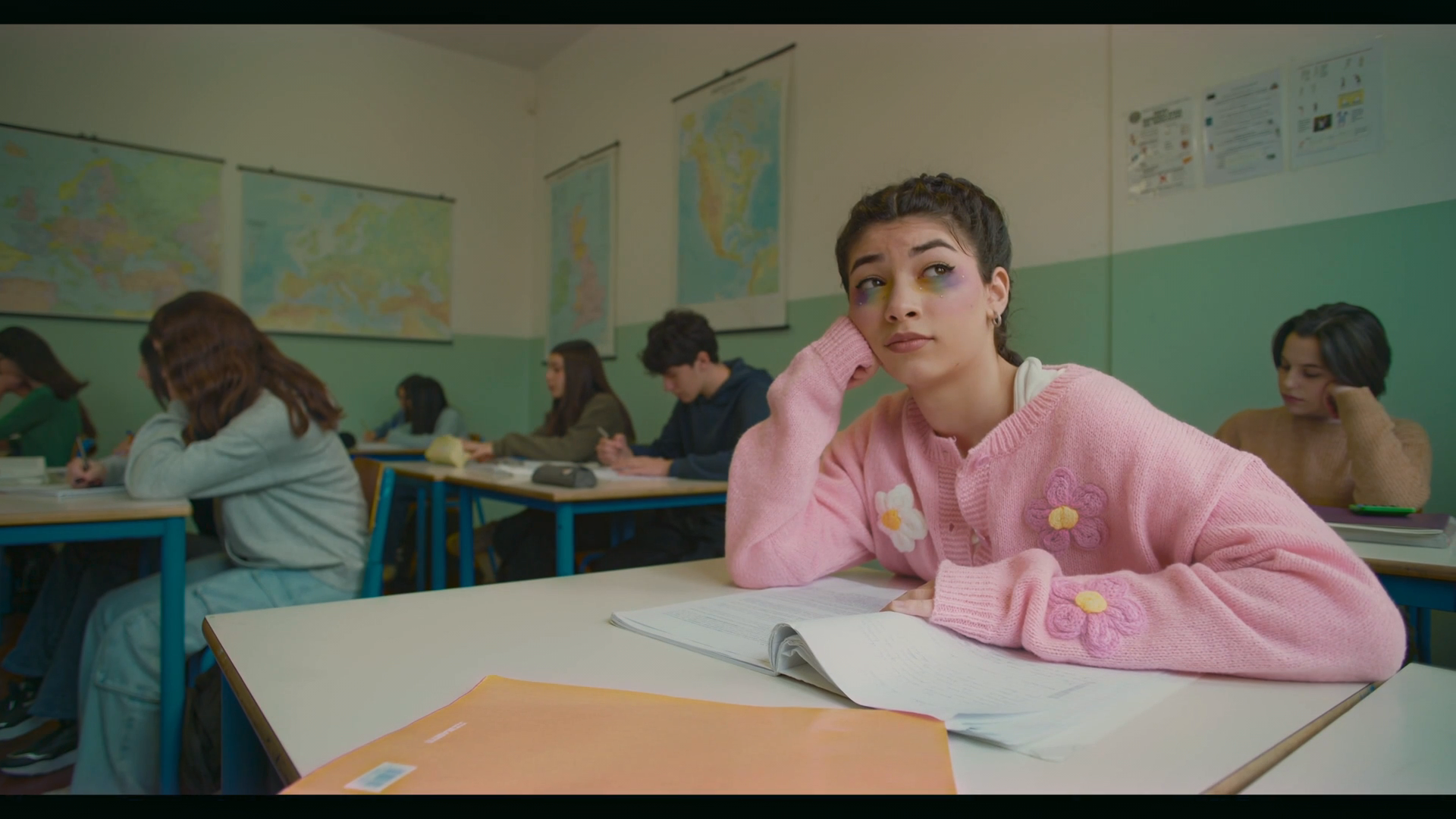
That is what "before and after" should mean: five named, measurable moves.
Ten grading styles, and what to look for
1. Naturalistic
The hardest one, because there is nothing to point at. Neutrals genuinely neutral, skin on the fleshtone line, black point at zero without crushing, highlights rolled off rather than clipped, saturation near the camera default. Look for: a white shirt that is white in shadow and in sun. Almost all of this is correction rather than grading — see color correction vs color grading.
2. Teal and orange
Warm skin and highlights, cool shadows and backgrounds. Adobe's explanation of the mechanism is the standard one: "Orange and teal are complementary colors. In essence, they are opposites," and "Many skin tones fall into the orange spectrum, so pushing blues into the shadows will help those skin tones stand out" (adobe.com, read 12 September 2026). Look for: a vectorscope trace stretched along one diagonal, with faces at the warm end. Watch for: green foliage turning cyan and skin drifting orange where the split was applied globally. Full technique in teal and orange color grading.
3. Bleach bypass
High contrast, heavily desaturated, metallic. It is a photochemical process, not a color idea: Kodak describes skip-bleach as retaining "some or all of the image silver, which is normally removed by bleaching and fixing", and states that "the retained silver increases the contrast of the image and decreases the color saturation by adding gray or black to the dye images" (kodak.com, read 12 September 2026). Look for: blown or near-blown highlights alongside almost grey midtones — Kodak's page warns that applying it to the negative gives "lighter and possibly blown-out highlights, higher contrast and perhaps higher graininess". Watch for: faces going grey, which is the failure mode.
4. Day for night
Shooting in daylight and grading it to read as night. Wikipedia: "Day for night is a set of cinematic techniques used to simulate a night scene while filming in daylight", with the practical note that "it is typical to underexpose by about two f-stops", and the reason the convention is blue — "although moonlight is not blue, it appears bluish to the human eye due to the Purkinje effect" (en.wikipedia.org, read 12 September 2026). Look for: hard shadows in the wrong direction. Watch for: sunlit skin, which never reads as moonlight however blue you push it.
5. Monochrome
Not desaturation. A real conversion decides how each hue maps to luminance — how bright red lips become, whether a blue sky goes pale or nearly black. Look for: separation between objects that would be the same brightness with saturation simply pulled to zero. Watch for: chalky skin, from weighting the red channel too heavily.
6. Pastel and matte
Lifted blacks, reduced contrast, low saturation, often a warm or slightly green midtone cast. The dominant commercial and fashion look, and roughly where the example above lands. Look for: a waveform trace that never touches the floor. Watch for: flatness reading as an error rather than a choice — it needs one clean saturated accent to hold.
7. High-key commercial
Bright, even, clean. Highlights near the top without clipping, shadows open, saturation moderate and accurate because the product has to be the color it is in the catalogue. Look for: almost no black in the frame. Watch for: clipped whites on packaging — unrecoverable and very visible.
8. Music-video saturation
Saturation pushed hard in one or two hue families, with heavy secondary work on a specific color — a jacket, a neon sign, a wall. Look for: a vectorscope trace punching toward the boxes in one or two directions while the rest stays central. Watch for: hue clipping, where the boosted color loses its internal detail and becomes a flat shape.
9. Wedding and film-print
Warm, forgiving, slightly lifted blacks, restrained saturation, skin flattered rather than measured — usually a print-emulation curve rather than a color shift. Look for: highlights rolling softly on a white dress instead of clipping. Watch for: the warmth reaching the dress, which then reads cream instead of white.
10. Documentary and archival
Consistency across sources never meant to match: three cameras, a phone, a digitised tape. The job is agreement, not beauty. Look for: shots cutting together without a jump in black level or white balance. Watch for: a heavy look on top, which amplifies every remaining mismatch instead of hiding it. See why cameras don't match.
How to study a grade
Take any frame you admire and ask four questions in order.
Where is the black point? Open a waveform. Does the trace reach zero, stop above it, or stack flat along the floor? A lifted black point is the most common thing people mean by filmic, and the easiest to copy.
Where do the highlights stop, and in what color? If the trace stops short of the top, the look has a shoulder. If one channel stops lower than the others, the highlights carry a cast — and that cast is usually most of the look's identity.
Where is the skin? On a vectorscope. Blackmagic's documentation gives the target directly: keep "warm color saturation along a line at approximately 10 o'clock on the vectorscope. This is known as the 'fleshtone line' and is based on the color of blood beneath the skin's surface", and it "is applicable to all skin pigmentations" (Blackmagic SmartScope manual, read 12 September 2026). How far the grade moved faces off that line tells you how aggressive it is.
How wide is the palette? Where does the vectorscope trace concentrate? Two directions is a designed look; every direction equally is either naturalistic or nothing.
Do this on ten frames you like and you will have a better vocabulary than any preset pack provides. If your own grade keeps failing these checks, why does my grade look off works through six causes in order.
Rebuilding a look from an example
Copying a look you found has a real limit: much of what you admire is not the grade. Film stock, the print chain, the lens, the lighting and the production design did a large part, which is why chasing an exact match with curves ends badly. How to recreate a movie look from a still splits a reference into the copyable part and the rest; cinematic color grading covers how looks are assembled.
The order that works: normalise, correct, build contrast, then apply the palette. Applying the palette to uncorrected footage is why most attempts fail — the sequence is in how to color grade video.
Leumos is ours, so read this as disclosure: it matches one selected shot at a time to a still reference in the browser, shows the result in motion, and lets you refine the grade with creative controls and an inspectable Skin tone mask. Waveform and vectorscope support review before exporting finished rendered video (leumos.ai/llms.txt, read 12 September 2026). Match shots uses a graded shot to match the remaining shots; both matched and copied grades need individual review.
FAQ
What is a good example of color grading?
A useful one is any pair where you can name what changed: exposure, white balance, contrast, palette and skin. If a before-and-after cannot be described in those five terms, it is a filter rather than a grade.
What is the difference between a before and after and a good grade?
A visible difference is easy; a defensible one is not. A good grade holds the black point where intended, keeps highlights off the ceiling, keeps faces near the fleshtone line, and stays consistent across every shot in the scene — not just the one in the comparison.
What are the main color grading styles?
Naturalistic, teal and orange, bleach bypass, day for night, monochrome, pastel and matte, high-key commercial, saturated music-video, warm print-emulation and consistency-first documentary. Each is defined by a contrast shape and a palette width, not by a preset name.
How do I copy a color grade from a photo or a film still?
Match tone before color: get the black point, the exposure and the highlight rolloff close first, then the palette, then check skin. Accept that the lens, the lighting and the film stock are not copyable — that split is the subject of recreating a movie look from a still.
Why does my before and after look worse than the examples online?
Usually because the example was shot for the look and yours was not, or the look went on before the footage was corrected. Published comparisons also use flattering source frames; a grade that works on one frame of a scene is not yet a grade.
Can AI produce these grades automatically?
Automatic tools are good at correction and at transferring a reference's statistics — the measured example above is exactly that. They are not good at choosing the reference, at mixed lighting, or at deciding how far to push skin. See AI color grading for filmmakers.
Sources
| Source | Used for | Read |
|---|---|---|
| Adobe, orange and teal color grading | Complementary mechanism | 12 Sep 2026 |
| Kodak, Film Processing Techniques | Skip-bleach effects | 12 Sep 2026 |
| Wikipedia, Day for night | Definition, underexposure, Purkinje | 12 Sep 2026 |
| Blackmagic SmartScope manual | Fleshtone line position | 12 Sep 2026 |
| leumos.ai/llms.txt | Leumos capabilities | 12 Sep 2026 |
Image measurements were computed by us from the three published Leumos demo files.
Related reading
- Cinematic color grading — how these looks are built, block by block
- Teal and orange color grading — the most copied example, in depth
- How to color grade video — the seven-step workflow
- How to recreate a movie look from a still — copying one reference frame
- Color correction vs color grading — which pass an example belongs to
- AI color grading for filmmakers — what automation can and cannot do
- Film emulation in color grading — the curve, halation and grain behind a film look
Read the scopes: how to read a vectorscope and how to read a waveform monitor explain the readouts used above.